How it works
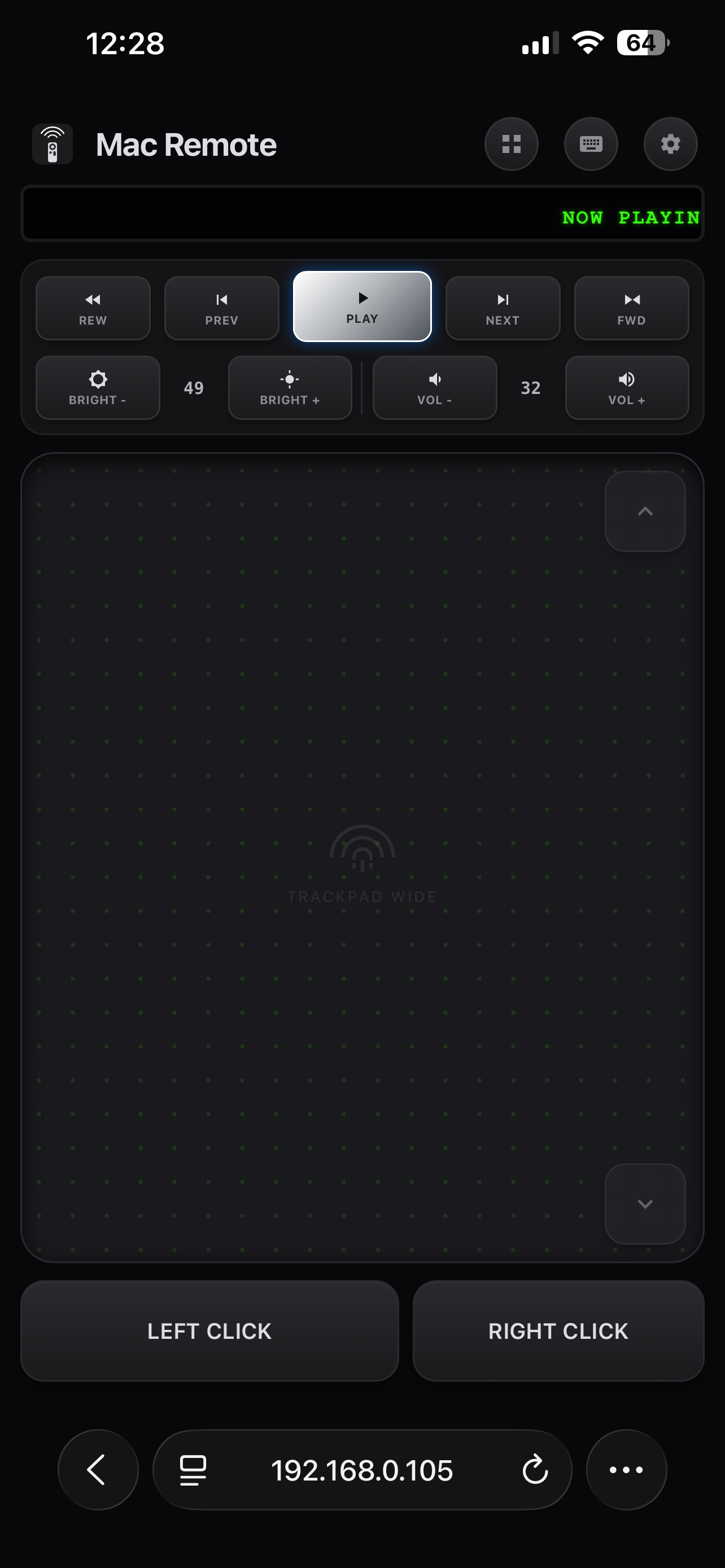
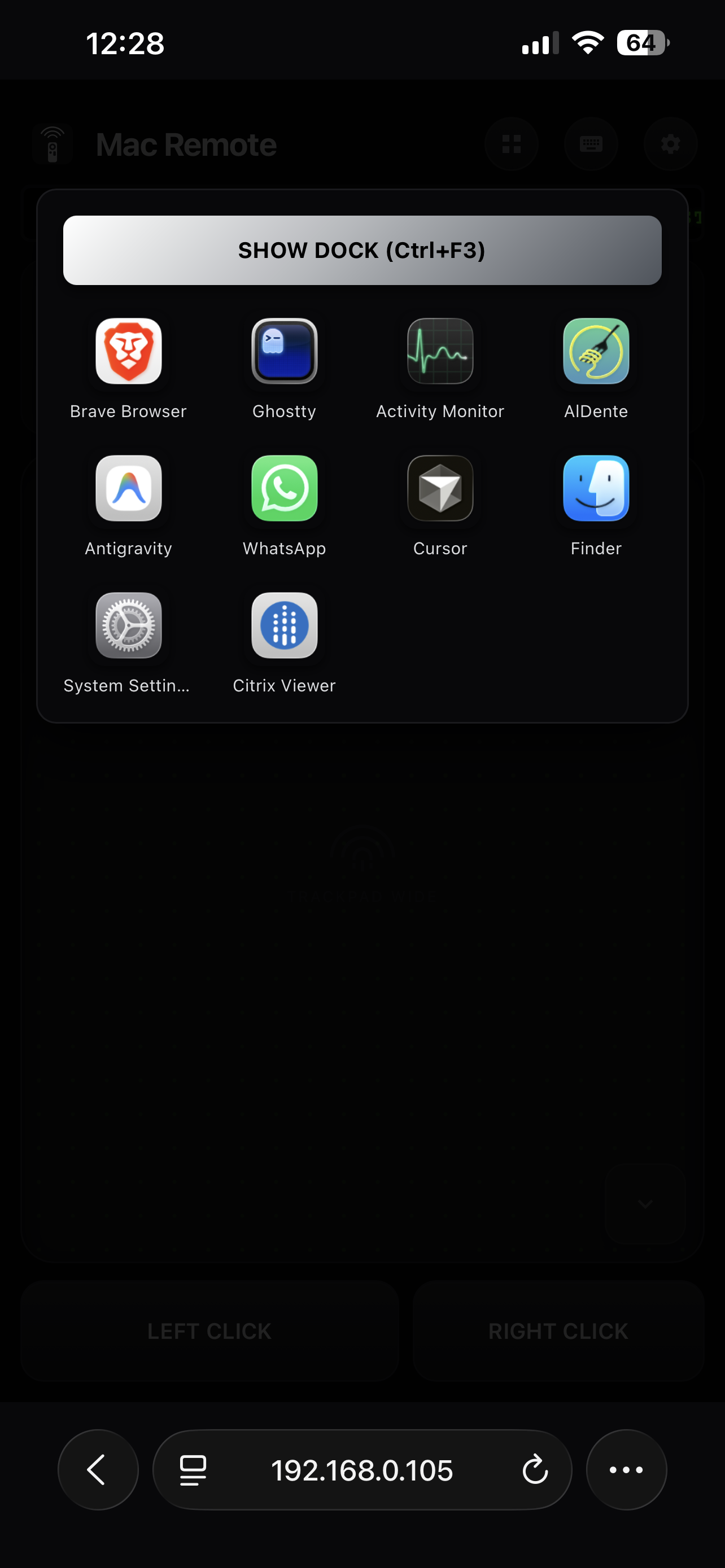
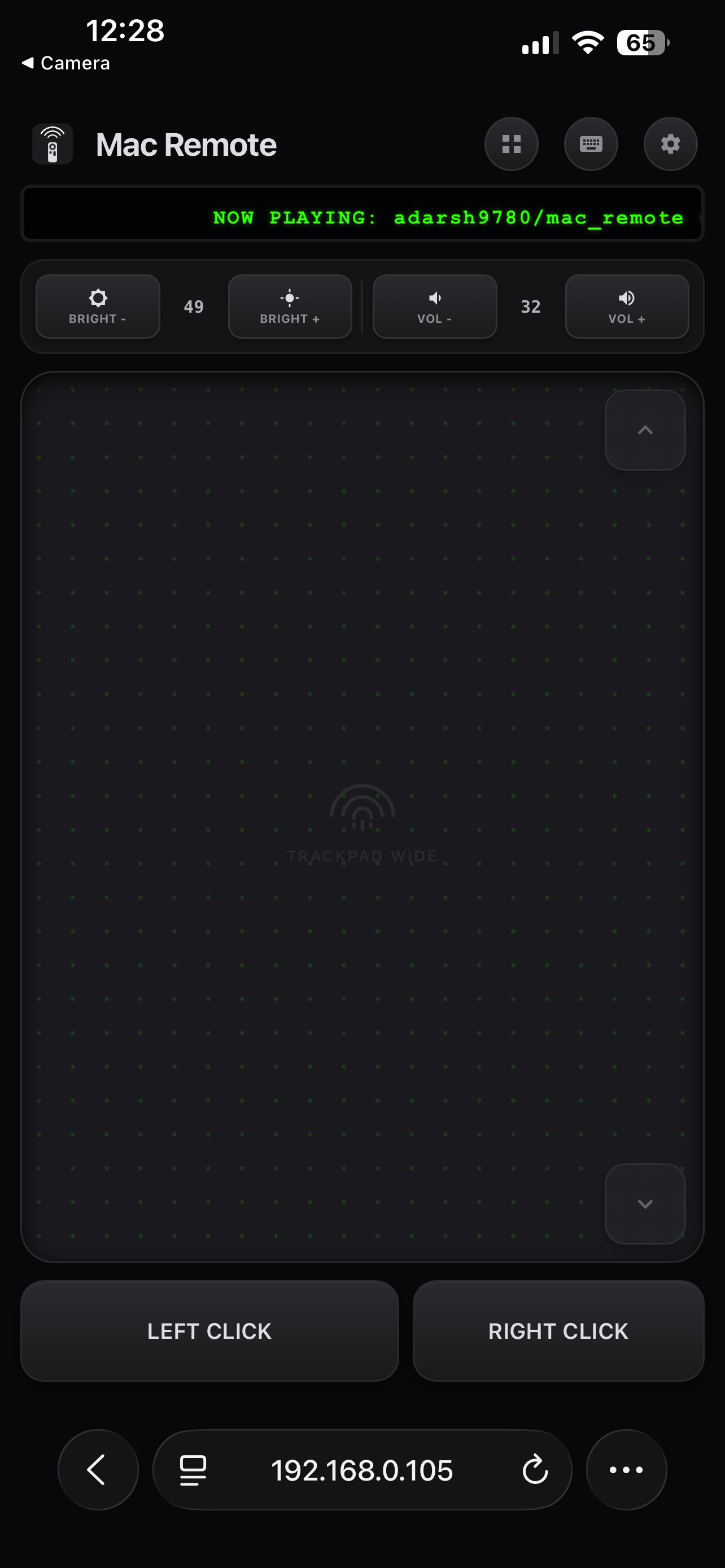
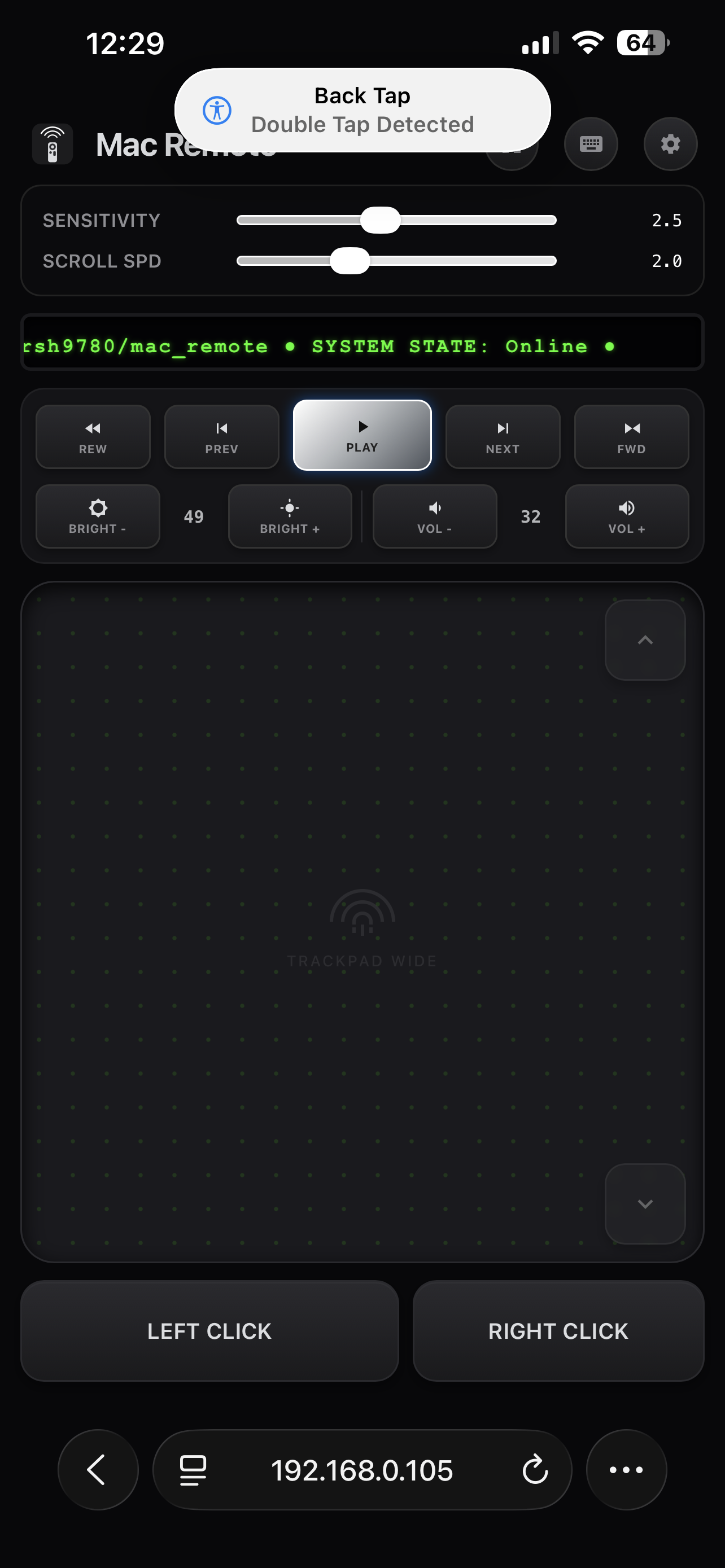
The Swift menu bar app starts the Go server and shows status controls (QR code pairing, quit) from the menu bar icon. The Go server serves the control UI and talks directly to the Swift object via Cgo to perform the native macOS actions.
Phone browser ──HTTP──▶ Go server (menu bar app, :5050) ──Cgo──▶ Swift object
(CoreAudio, brightness,
NSWorkspace, CGEvent)
Security & Pairing
Mac Remote is designed to operate on your local area network (LAN). It uses the following measures to restrict access:
- QR-code & One-time-code pairing: An on-screen 6-digit one-time code is required before a new device gets control.
- Brute-force protection: Automatic lockout after 5 failed OTP attempts.
- Device Management: Mac Remote enforces exactly one connected device at a time. You can instantly disconnect the active user from the Mac menu bar to securely allow a new pairing.
System Requirements
- macOS 13.0 or later
- Go 1.21+ (only if building from source)
- Xcode Command Line Tools (only if building from source)